
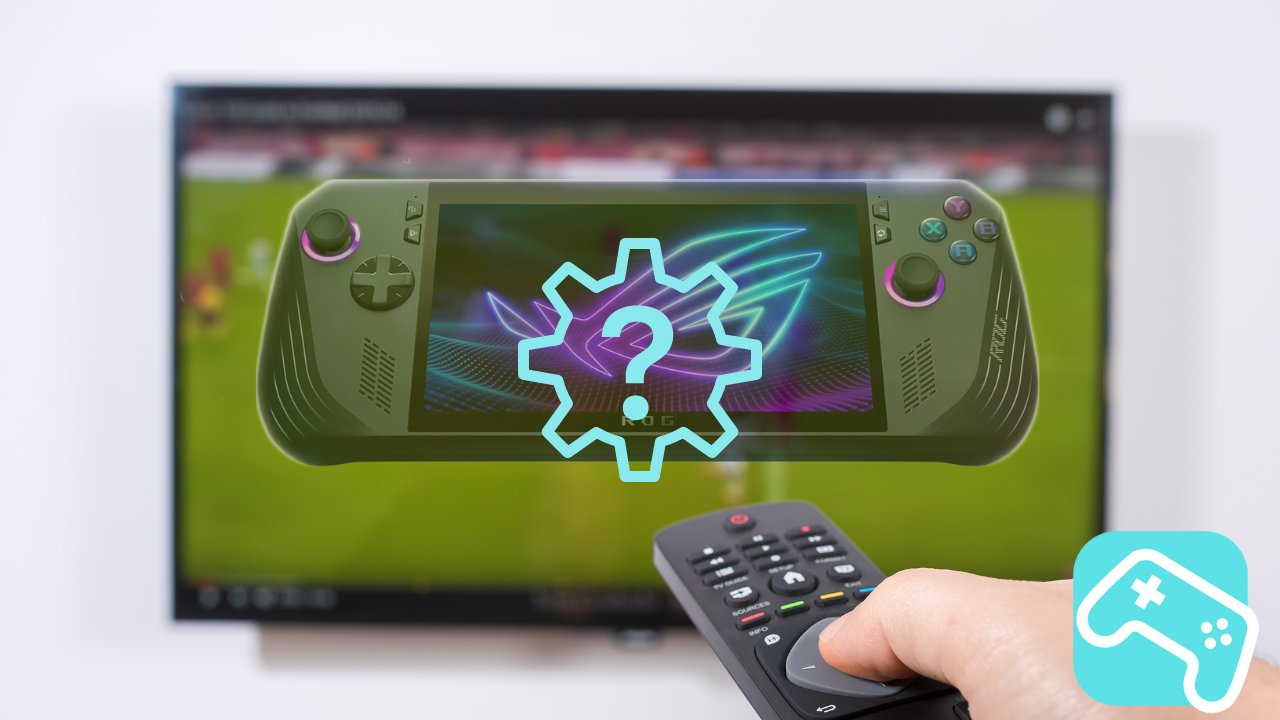
Put down your handheld console sometimes - why not turn your ROG Ally X into a desktop PC? Imagine being able to easily connect your ROG Ally X to your TV or monitor and use it as a full-fledged desktop.
Here you can find out how you can do this effortlessly with a docking station.
Docking Station – a useful accessory for your ROG Ally X
With a suitable docking station, you can upgrade your ROG Ally X in seconds.
Let's take the 6 in 1 docking station made of high-quality aluminum from JSAUX as an example - with it you can connect your ROG Ally X anywhere.
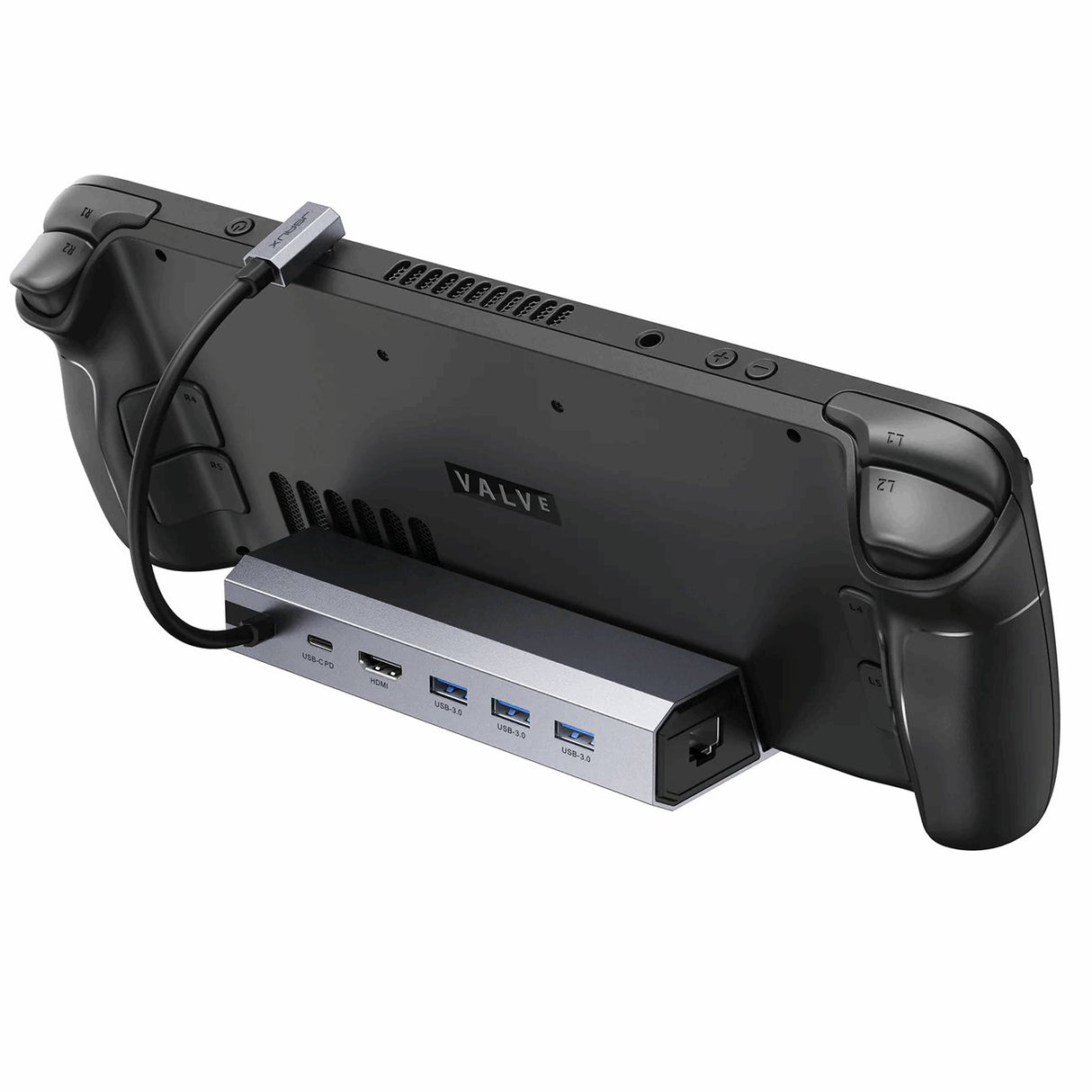
JSAUX 6 in 1 Docking Station for ROG Ally X
Easily connect your handheld to your TV or use it with a mouse and keyboard.
Watch hereSimply plug in your Ally X and connect it to your TV or monitor via HDMI. Thanks to the USB ports, you can connect a mouse, keyboard and even external hard drives - and you'll have a real desktop experience. Perfect for longer gaming sessions or productive work.
In addition, you can plug your charger into the docking station and even connect a LAN cable. This means there are no limits to the uses of your ROG Ally X.

